


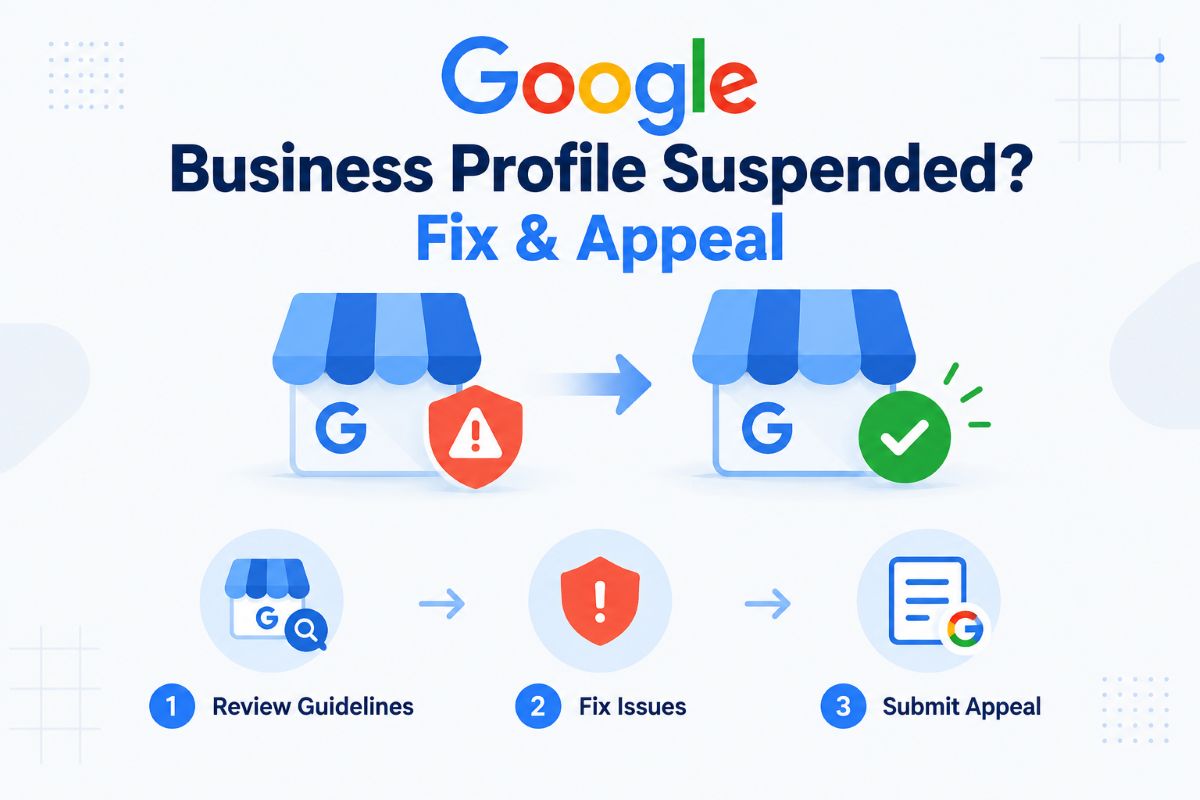
A Google Business Profile suspended notice can be alarming, especially if your business depends on Google Search and Maps for local customers. A suspension can prevent you from managing your profile, reduce your visibility, or remove the profile from public view.
The good news is that a suspension does not always mean your business is permanently gone from Google. The correct approach is to identify the policy issue, fix the profile, prepare supporting evidence, and submit an appeal through Google’s official process.
Why Was My Google Business Profile Suspended?
Google can suspend or disable a Business Profile when it believes the profile does not follow its guidelines. The problem may involve your business information, eligibility, verification, content, ownership, or other policy issues.
One of the first things to check is the reason shown in the Google Business Profile appeals tool. Google says the tool can show the restricted profile, the reason for the moderation action, and a link to the policy involved.
Common areas worth checking include:
- Business name: It should match the real-world name of the business. Adding extra keywords or unnecessary information to the name can violate Google’s guidelines.
- Address or service area: Your location information should accurately represent where and how the business operates.
- Business category: Google recommends using the fewest categories necessary to describe the core business.
- Duplicate listings: Google says there should generally be only one profile per business.
- Business eligibility: The business must meet Google’s requirements for having a Business Profile.
- Misleading information: False or inaccurate business details can lead to enforcement.
- Reviews and engagement: Fake, paid, incentivized, or manipulated reviews are prohibited and can result in restrictions.
Do not assume that changing one field immediately will solve the problem. First determine what Google has flagged.
What to Do If Your Google Business Profile Is Suspended
The safest approach is to fix the underlying problem before submitting an appeal.
1. Check the suspension message
Sign in to the Google account associated with the Business Profile and open the official appeals process.
Google’s appeals tool should identify the affected profile and provide information about the moderation action. Read the stated reason carefully rather than submitting an appeal immediately.
2. Review your entire Business Profile
Look beyond the field you recently edited.
Check your:
- Business name
- Address
- Service area
- Primary and secondary categories
- Phone number
- Website
- Business description
- Opening hours
- Ownership and management access
- Photos and posts
- Review activity
- Duplicate profiles
Compare the information with your real-world business and official documents.
Google’s guidelines state that a business should be represented consistently with how it is known in the real world. The address or service area should also be accurate, and unnecessary information should not be added to the business name.
3. Fix obvious policy problems
If you identify a violation, correct it before appealing.
For example, if the profile name contains additional keywords that are not part of the real business name, remove them. If the address is inaccurate, correct it. If duplicate profiles exist, investigate the duplication rather than creating another listing.
Also review recent activity if you have received restrictions related to reviews or engagement. Google prohibits fake engagement, including paid reviews, incentivized reviews, and activity intended to manipulate ratings.
4. Prepare evidence before starting the appeal
Strong documentation can help establish that the business is legitimate and accurately represented.
Google specifically lists examples such as:
- Official business registration
- Business license
- Tax certificates
- Utility bills
- Business-related phone, electricity, water, cable or internet bills
The business name and address on your supporting documents should match the Business Profile wherever applicable.
If your business operates from a location that is difficult to verify, prepare documentation that clearly connects the business to the location and the person managing the profile.
How to Appeal a Google Business Profile Suspension
Once you have reviewed the profile and corrected any problems, submit the appeal through Google’s official Business Profile appeals tool.
The basic process is:
- Sign in to the Google account associated with the Business Profile.
- Open the Google Business Profile appeals tool.
- Select the suspended profile.
- Review the reason for the moderation action.
- Select the decision you want to appeal.
- Submit the appeal.
- If Google offers an evidence form, upload your supporting documents.
- Wait for Google’s decision.
Google Business Profile Appeals and Suspension Help
Google currently says that if you open the evidence form after submitting an appeal, you must submit the evidence within 60 minutes for it to be attached to the appeal.
That makes preparation important. Have your documents ready before starting the process.
What Should You Write in a Suspension Appeal?
Your appeal should be factual and specific.
Explain:
- What the business does
- Why it is eligible for a Business Profile
- What you reviewed or corrected
- Why the profile accurately represents the business
- What supporting documents you have provided
Avoid emotional arguments or long explanations about how much traffic or revenue the profile generates.
A useful appeal focuses on eligibility, accuracy and evidence.
For example, instead of writing:
“Please restore my profile because it is very important to my business.”
Explain what the business is, where it operates, how the profile represents it, and what evidence confirms those facts.
Do not claim that Google made a mistake unless you can explain why. The stronger argument is usually the one that directly addresses the policy issue shown in the appeals tool.
How Long Does a Google Business Profile Appeal Take?
Google’s current guidance says appeal reviews and decisions can take up to five business days. Google also advises against submitting multiple appeals for the same issue before receiving a decision.
You can check the appeal status through the appeals tool. Available statuses can include:
- Submitted
- Approved
- Not Approved
- Can’t be appealed
- Eligible for appeal
If the appeal is denied, Google may allow an additional review. In that situation, you can provide additional evidence that was not included with the original appeal.
Should You Create a New Google Business Profile?
No—not while your suspension appeal is under review.
Google specifically warns against creating a new Business Profile for the same business while an appeal is being reviewed.
Creating additional profiles can make the situation more complicated, particularly if the new listing creates a duplicate.
The better approach is to resolve the existing profile through Google’s reinstatement process.
Soft Suspension vs. Hard Suspension
You may see SEO professionals describe Business Profile suspensions as “soft” or “hard” suspensions. These terms are commonly used in the local SEO industry rather than being a simple official Google classification.
A commonly used distinction is:
- Soft suspension: The profile may still appear publicly, but the owner can lose the ability to manage or edit it.
- Hard suspension: The profile is no longer visible publicly and requires reinstatement.
The practical response is similar in both situations: identify the policy problem, correct the profile, gather evidence and use Google’s official appeal process.
Mistakes to Avoid After a Suspension
A rushed response can make a difficult situation harder.
Avoid these mistakes:
Creating multiple new listings: Do not create replacement profiles simply because the original one is suspended.
Repeatedly submitting appeals: Google advises waiting for a decision rather than submitting multiple appeals for the same issue.
Changing everything at once: If you make numerous unexplained changes, it can become harder to determine what caused the problem. Focus on the policy issue identified by Google.
Submitting weak evidence: A generic document that does not clearly connect to the business is less useful than official documentation showing the business name and relevant address.
Using keyword-stuffed business information: Your Business Profile should represent the actual business, not function as a list of keywords. Google’s guidelines specifically prohibit unnecessary information in the business name.
What Happens After Your Profile Is Reinstated? Once Google reinstates the profile, review it carefully before making further changes.
Confirm that:
- The business name is accurate
- The address or service area is correct
- The category represents the core business
- The phone number and website are authoritative
- Business hours are accurate
- Photos and posts follow Google’s policies
- No duplicate profile remains
Google also notes that if problems continue after reinstatement, businesses can contact Google Business Profile Help.
For related guidance, Business2News also covers [how to remove your business from Google] and other Google Business Profile topics. How to Remove Your Business from Google — Business2News
Frequently Asked Questions
Can I appeal a suspended Google Business Profile?
Yes. Google provides an appeals process for suspended or disabled Business Profiles. You should review the relevant guidelines, correct policy problems and provide supporting evidence where requested.
What documents do I need to recover a suspended Google Business Profile?
Depending on the situation, useful evidence can include business registration documents, licenses, tax certificates and utility bills. Google recommends ensuring that the business name and address match the profile where applicable.
How long does Google take to review a suspension appeal?
Google says appeal reviews and decisions can take up to five business days. Avoid submitting another appeal for the same issue before receiving a decision.
Can I create another Google Business Profile after a suspension?
You should not create a new profile for the same business while an existing suspension appeal is under review. Google explicitly advises against doing so.
What if Google rejects my appeal?
If your reinstatement request is denied, Google may provide an option for an additional review. You may be able to submit additional evidence that was not included with the first appeal.
Final Takeaway
If your Google Business Profile is suspended, don’t respond by creating another listing or repeatedly submitting appeals. Start by identifying the policy issue, make sure the business information accurately reflects the real business, gather appropriate documentation and submit one clear, evidence-based appeal through Google’s official process.
The strongest reinstatement request is not necessarily the longest one. It is the one that clearly demonstrates that the business is eligible, accurately represented and supported by reliable evidence.
